

Latest updates
Version 4.2.0 · Oct 20, 2026
Every metric the app shows is defined in the glossary: Glossary
Guides, help and developer docs: docs.taoswap.org
For AI agents: llms-full.txt
Emission split
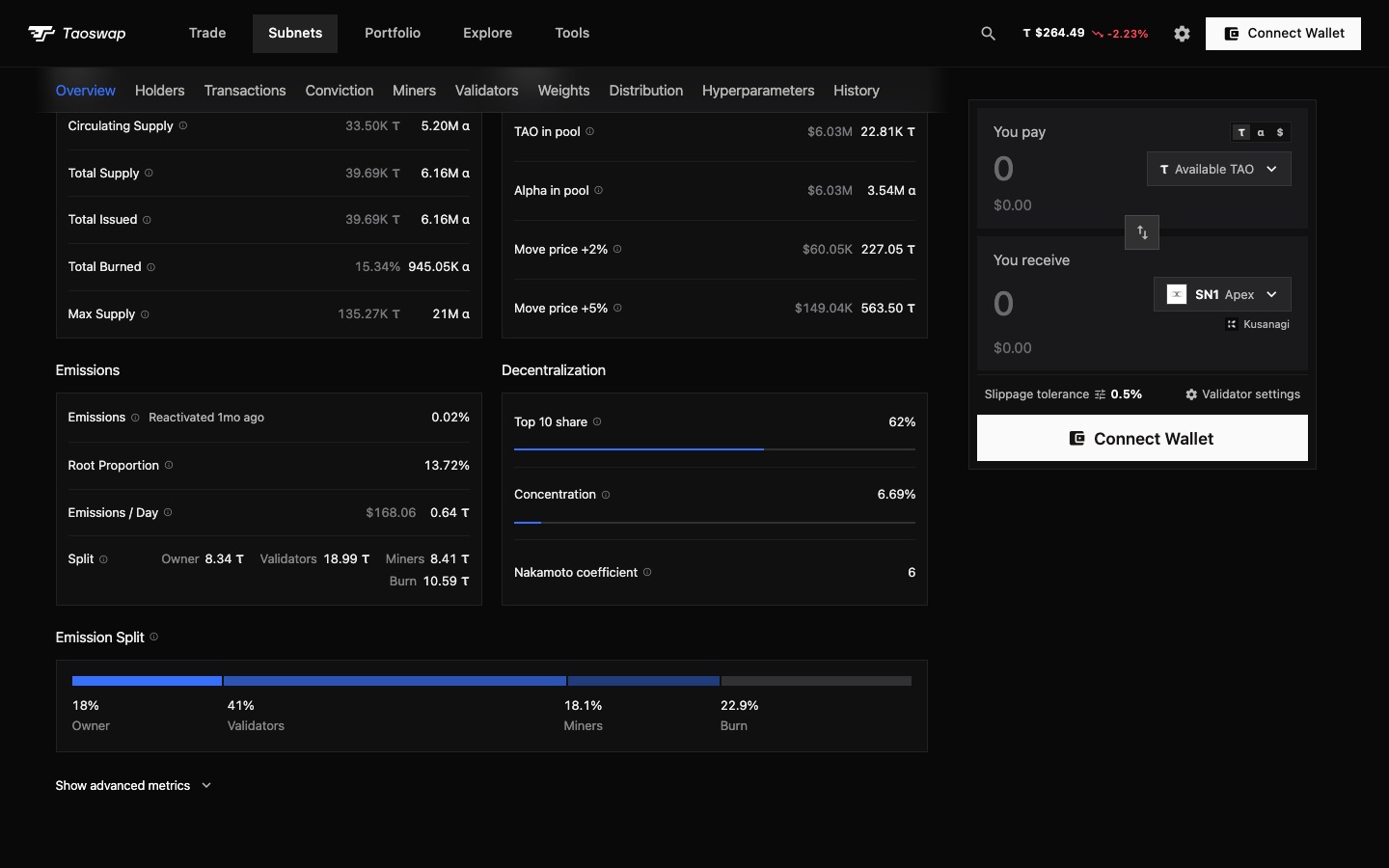
Since the Etao upgrade, each subnet owner decides how a day of alpha is shared between the owner, the validators and the miners. A subnet's page now draws that split, with what each side earns in α and τ and the part of the miners' incentive the chain burns.
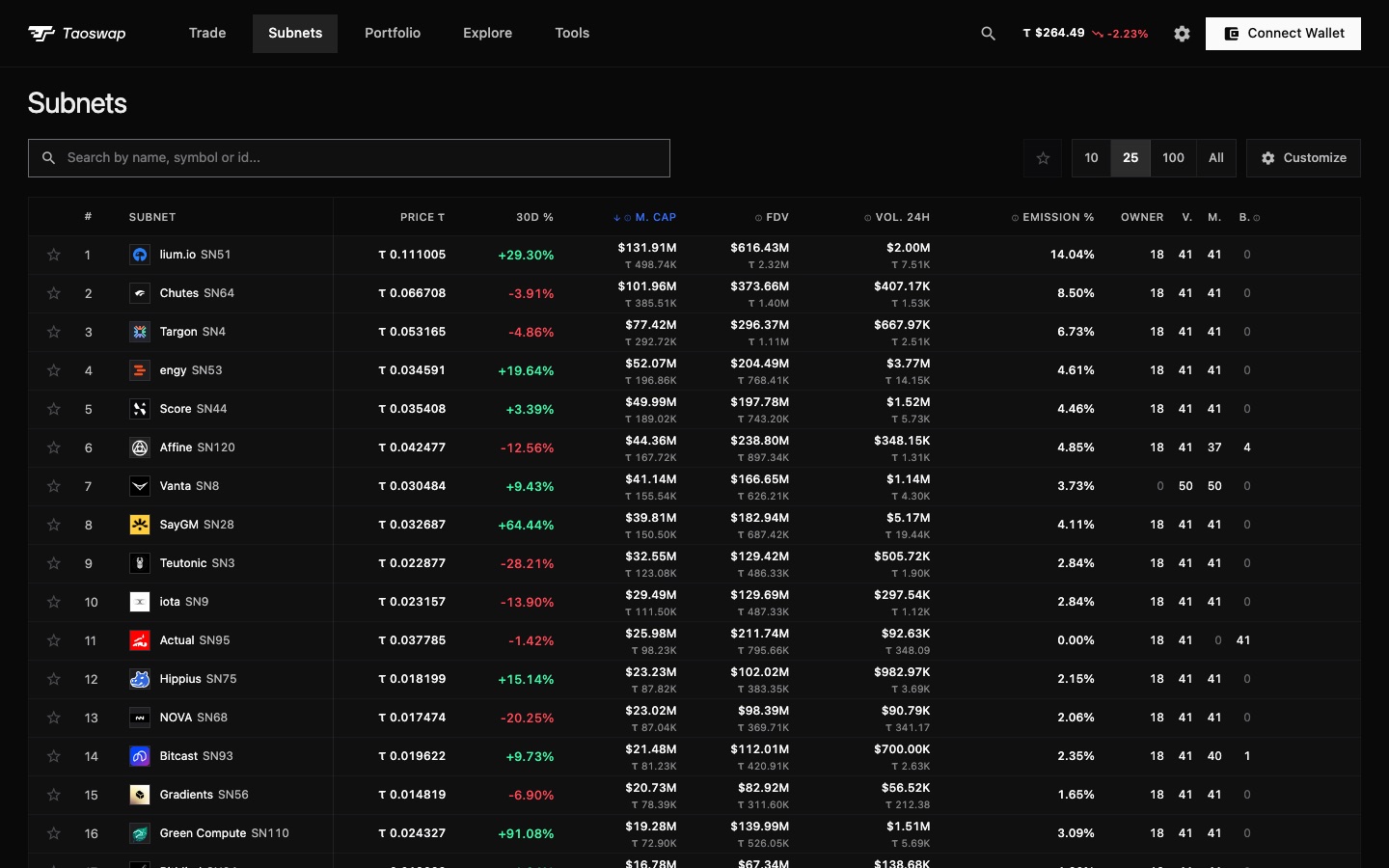
Every split in the subnets table
A new column gives the owner, validators, miners and burn shares of every subnet. Zeros fade, so a subnet that left the default 18/41/41 or burns its miners' share stands out, and the column sorts on what reaches the miners.
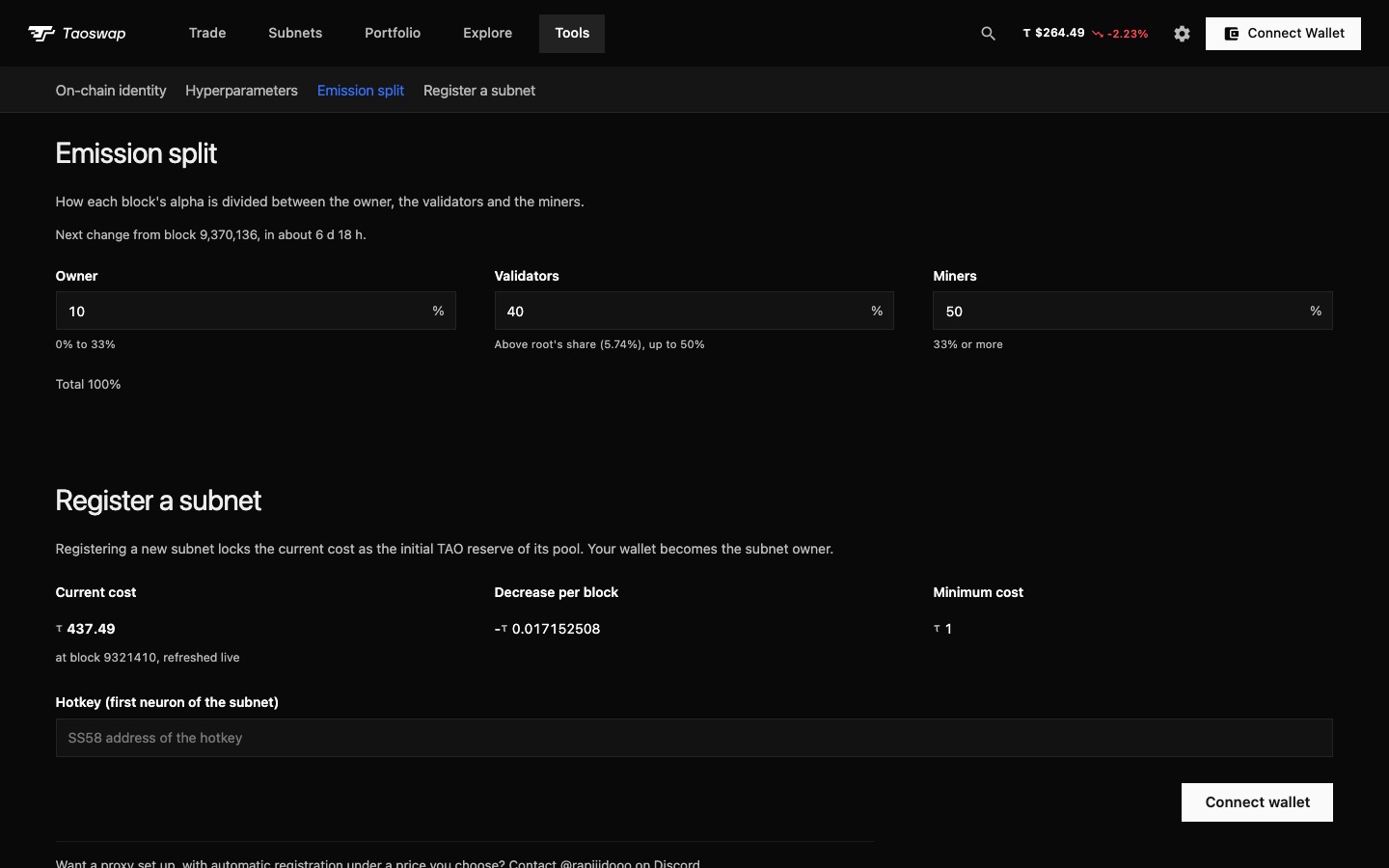
Change your subnet's split
In Tools, Owner / Validators, a subnet owner changes the split within the chain's limits: up to 33% for the owner, up to 50% for the validators, at least 33% for the miners, once every 7 days.
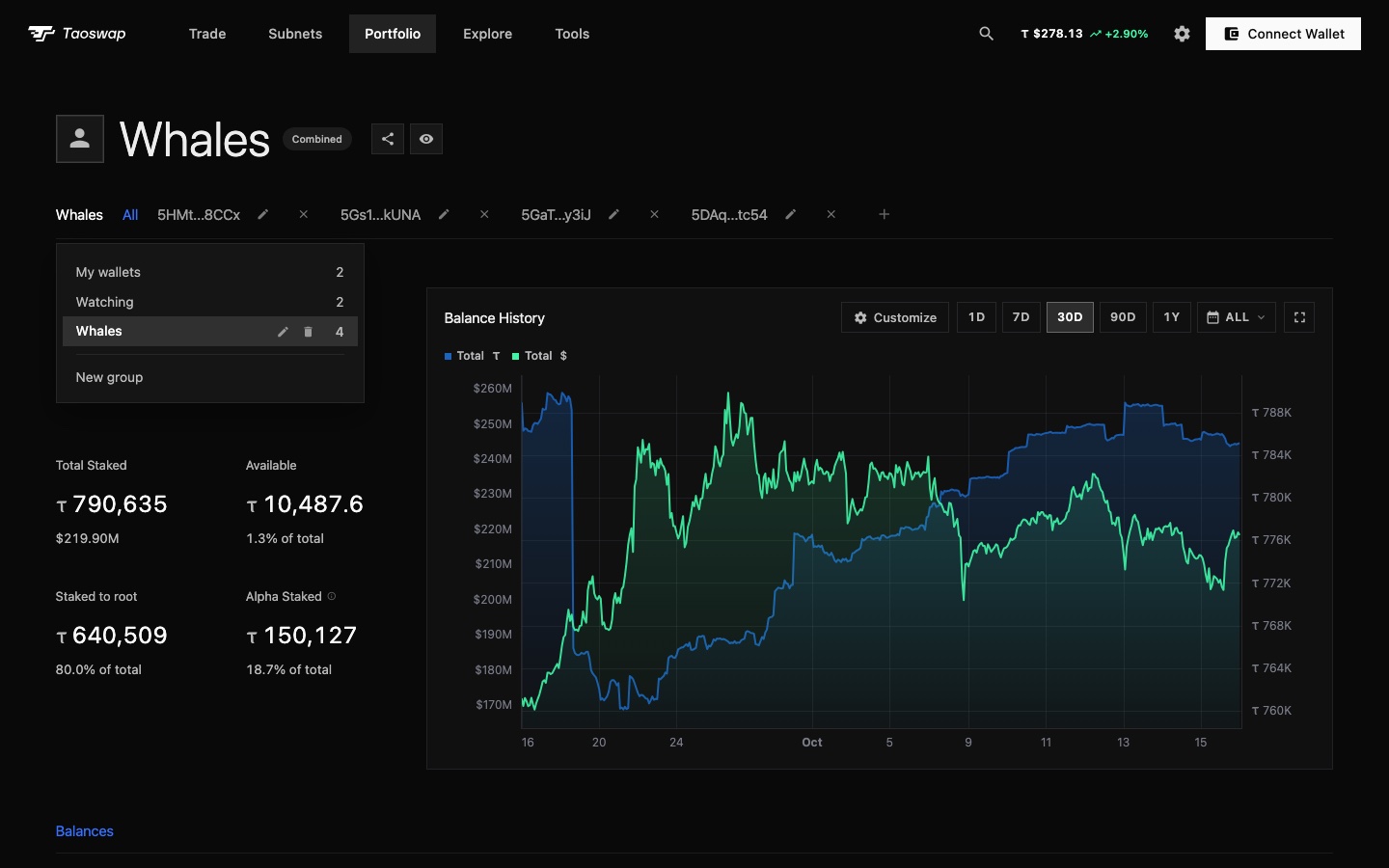
Address groups
Sort the addresses you follow into groups: My wallets, Watching and groups of your own, five in all with ten addresses each. All adds up the group on screen, so My wallets totals what you hold without the wallets you only watch. Rename or delete a group from its menu in the address row, or create one as you add an address.
Addresses in your order
Drag an address to move it, or hold Alt and press an arrow key. It keeps its place everywhere your addresses are listed.
Root staking rewards in your balance
An address's Total Balance now counts the root staking rewards it could claim, and so does its balance chart.
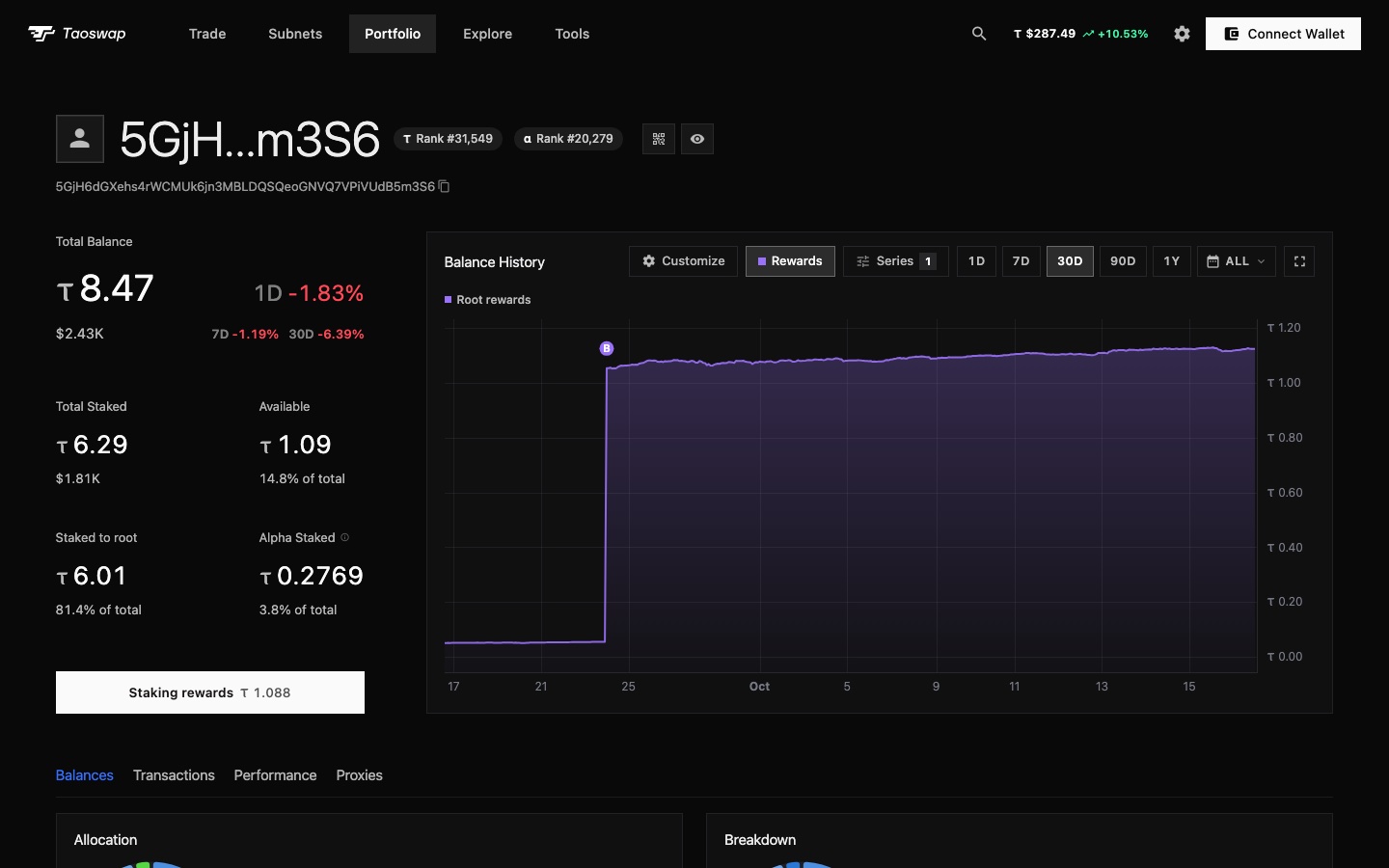
- A Root rewards seriesThe chart draws those rewards in violet, and Rewards, next to Series, shows them alone.
- Basket purchasesA violet B marks each purchase of basket shares on the chart.